Download a whole playlist or channel
Paste a playlist or channel link, choose the items you want and aTube Catcher queues them all.
Windows · macOS · Linux
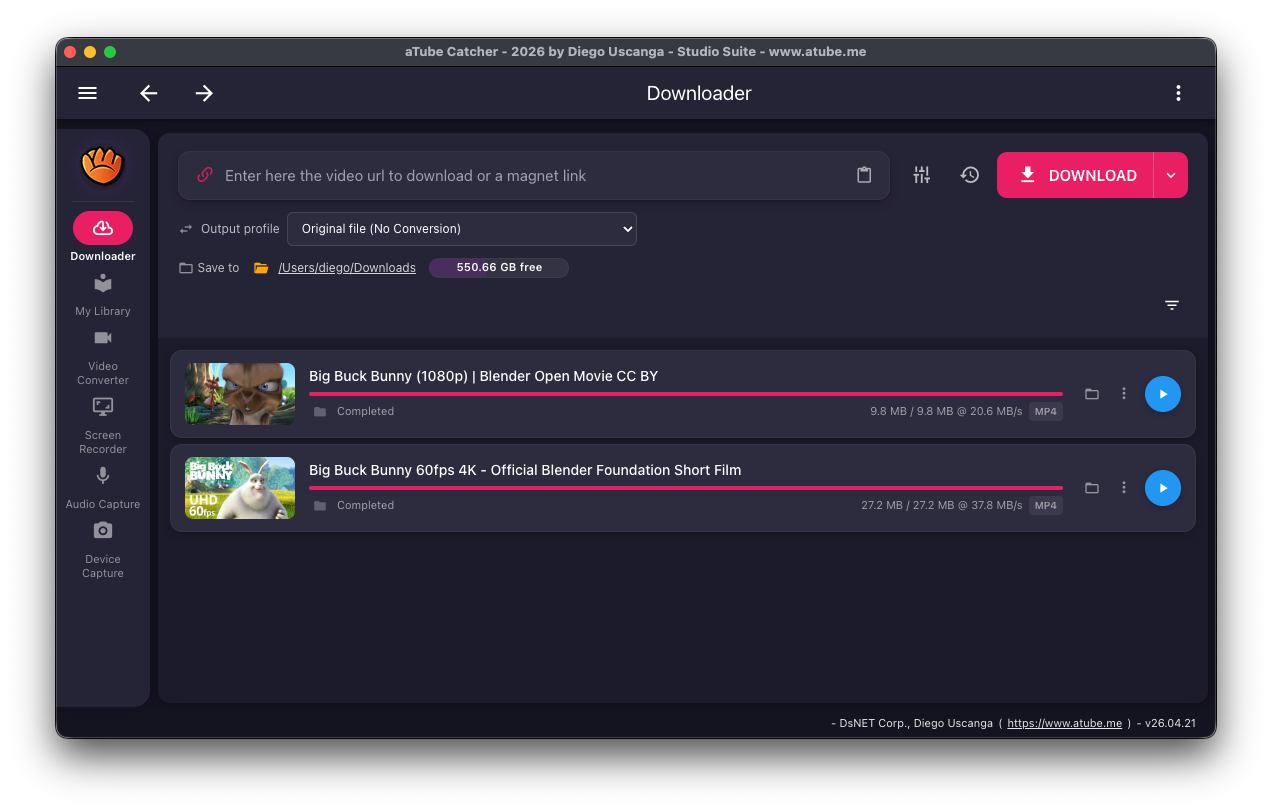
Batch downloads let you queue many links at once: paste several links, expand a playlist or channel into its videos, or import links from a text file.
Every item uses the output profile you choose, so a whole playlist can be saved as MP4 video or as MP3 audio.
Batch options
- Expand a playlist or channel into its videos Free
- Paste many links or import a text file of links Free
- Schedule downloads for later Pro
- Single-video downloads Free
How to download a playlist
-
Copy the playlist or channel link
Copy the address of the playlist or channel page.
-
Open Batch downloads
Open Batch downloads from the menu and select the Playlist tab.
-
Paste the link and load the entries
Paste the URL. aTube Catcher fetches the list of videos when you click.
-
Select items and a profile
Choose which entries to download and the output profile, such as MP4 or MP3.
-
Start the queue
The videos download one after another into your "Save to" folder.
Platforms and limits
- Windows, macOS and Linux.
- Works with YouTube, Vimeo, SoundCloud and many other supported playlist or channel URLs.
Use content you have the right to download
Only download videos and audio you own, that are in the public domain or under a license that allows it, or that the rights holder lets you save. Check the terms of the site you are downloading from.
Frequently asked questions
Do I have to download every video in the playlist?
No. After the entries load, select only the ones you want.
Can I save a playlist as MP3?
Yes. Choose an MP3 output profile before starting the queue and each item is saved as audio.
Can I download a list of links from a file?
Yes. Batch downloads can import links from a text file.
Related features
Try aTube Catcher free
The Community edition is free with no time limit. Upgrade to Pro when you need more.